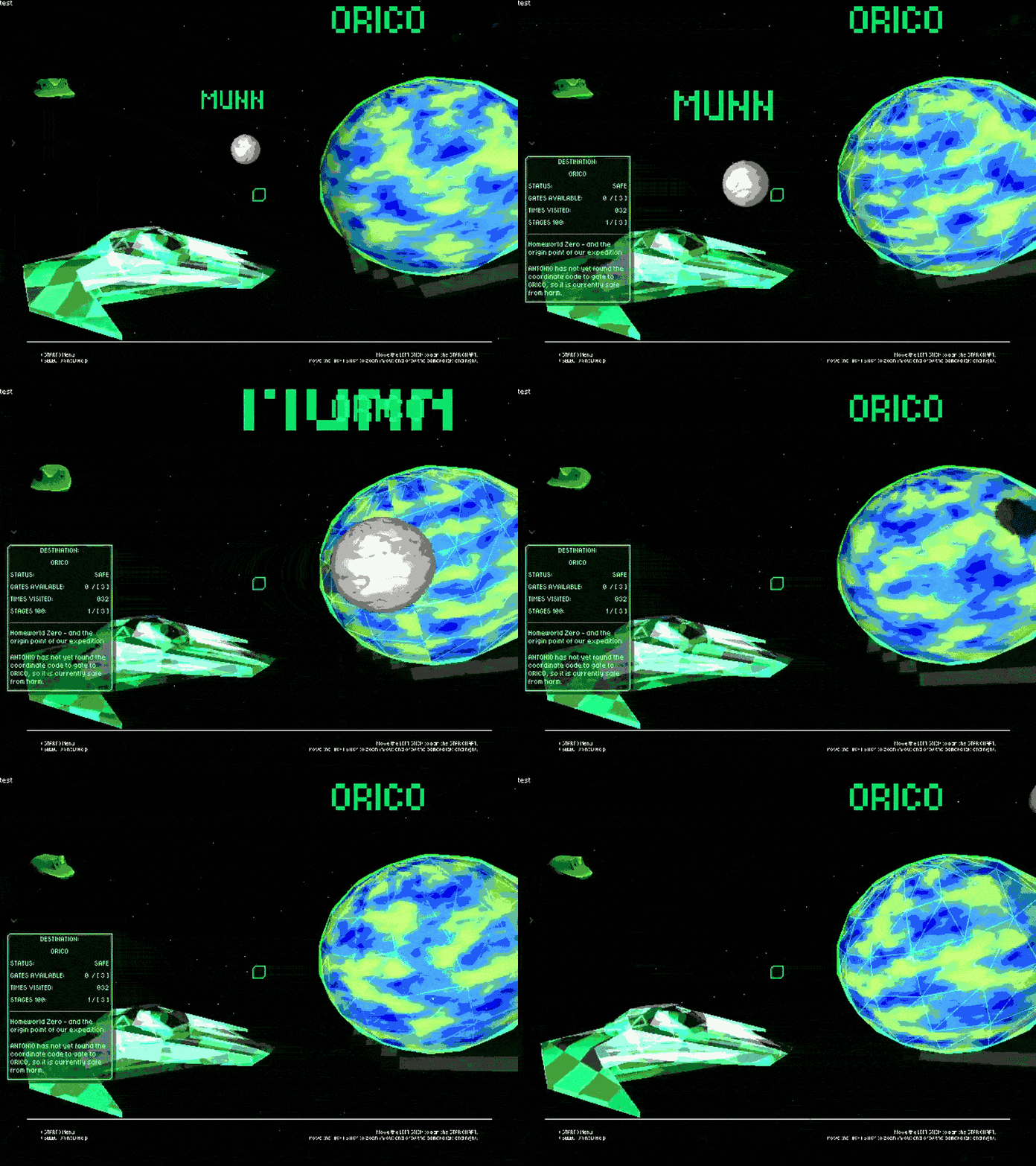
Coming in to write the first log off the heel of building together a slightly more in-depth mockup of the Star Chart – GLOO’s form of story mode progression.
Currently my development goal is establish a system for loading and unloading levels and content gracefully. This is in part because Godot hitches when objects are first rendered, presumably due to shader compilation, but this is a more significant issue on the smaller Anbernic style handhelds I aim to get the game running on.
In this example here, this demonstrates a mockup of the “Star Chart”, the story mode’s general overview of the galaxy and where you, as Gloo, can warp to specific levels. Even just loading the Star Chart here, one can see there’s a quick hitch here that freezes the whole game momentarily.
What I’m aiming to look for is a way to asynchronously load items, or otherwise slowly load things in one at a time, in a way that can mitigate these sorts of systems.
The player’s HUD is comprised around the “ACTION PAD”, an entity aiming to hold as much as possible of player specific information in one of these, with the idea that as extra players spawn in, each player can have their own ACTION PAD that occupies successive quadrants of the screen, from left to right and top to bottom, consecutively.
My thought process is to have something like a load bar or load widget that appears *over* your character to indicate if a load or preload is underway, while the actual magic works its thing in the background, and find a way to provide the player with visual feedback of background loading while still actually stopping the game from having a hitch meltdown.
I believe I need to then, set out to accomplish the following over the next week or two:
- Research Godot’s async scene loading systems
- Set up a code method that can be called to do all this jazz, ideally as a singleton or globally available function that any other things in the game can call, so that anything in the game at any time can be loaded this way
- Create a HUD element that can respond to feedback
- Benchmark this on the Anbernic
For systems that may not support async loading or otherwise have poor/no effect, possibly single-threaded systems, it might be that there needs to be an alternate loading method, or a way to handle if this function is called, and divert to a foreground loader instead if this isn’t possible.
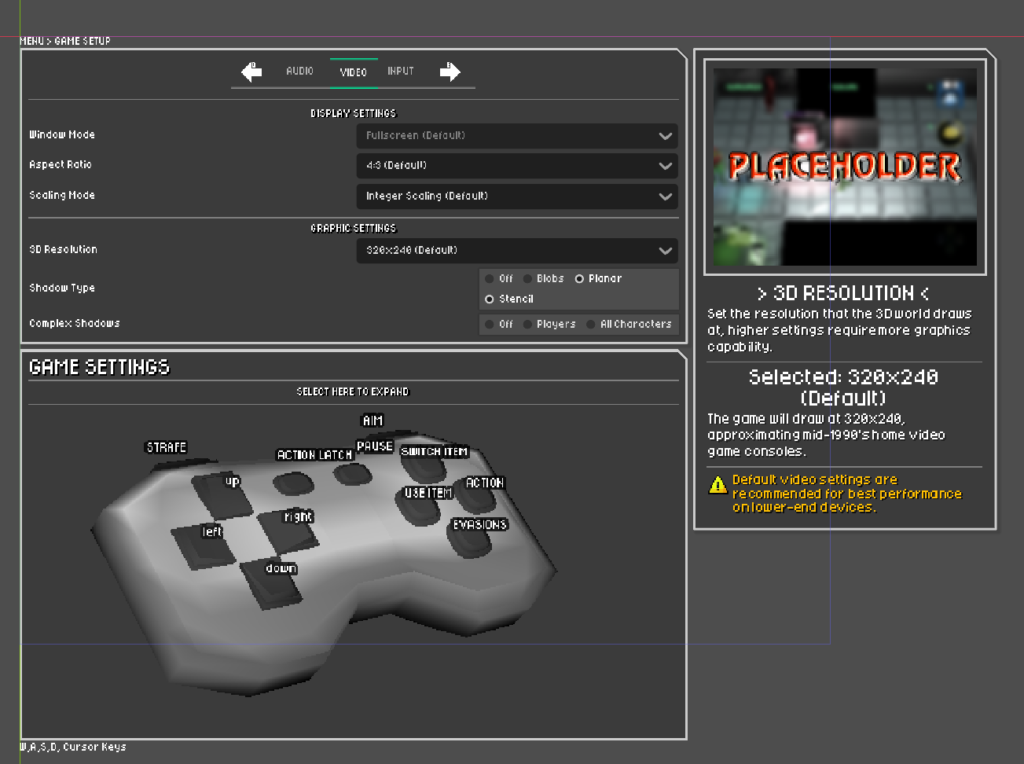
While not yet hooked up or functional in any capacity, in March prior to greenlight, during free time on my work shifts I start mocking together a basic canvas of a settings menu.
This would be one of the next things I do actually want to tackle to get this all live and running in the game, but to the point above about incompatibility, might be that I need to add an option in to allow choosing loading method, and have it so some portions of game functions will operate differently according to your loading method. To mind this mostly sounds like something that would apply to scene changes, stuff like entering and exiting levels.
Of course, the “dirty” method would be to do a scene preloader, something where we just load a scene with “everything in the game” in it behind a black screen or something, but this in itself would probably cause a massive freeze for systems where this async would have the most significant impact anyway, and I’d like to find a smoother way to do it, that retains a strong visual feedback for players to know something’s actually going on rather than just have a blanket “freeze”.